Customizing the OnRez 8-Panel Vendor
January 19, 2008 · 61 views · 0 comments
Nearby In Time
 Packaging products for Korii
January 19, 2008
Packaging products for Korii
January 19, 2008
 OnRez offers eight panel vendors in limited beta
January 19, 2008
OnRez offers eight panel vendors in limited beta
January 19, 2008
 Havok 4 ... not!
January 19, 2008
Havok 4 ... not!
January 19, 2008
 Electronic repair
January 19, 2008
Electronic repair
January 19, 2008
 Customizing the OnRez 8-Panel Vendor
January 19, 2008
Customizing the OnRez 8-Panel Vendor
January 19, 2008
 Hopping over protected land.
January 20, 2008
Hopping over protected land.
January 20, 2008
.jpg) Sidewinder Linden Talks (a lot)
January 20, 2008
Sidewinder Linden Talks (a lot)
January 20, 2008
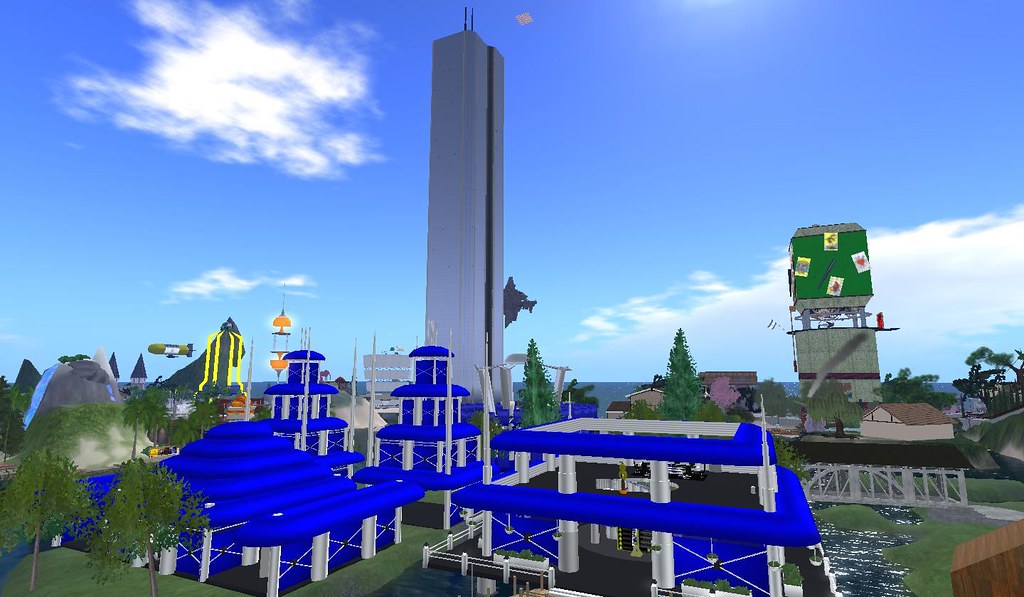 Competition
January 21, 2008
Competition
January 21, 2008
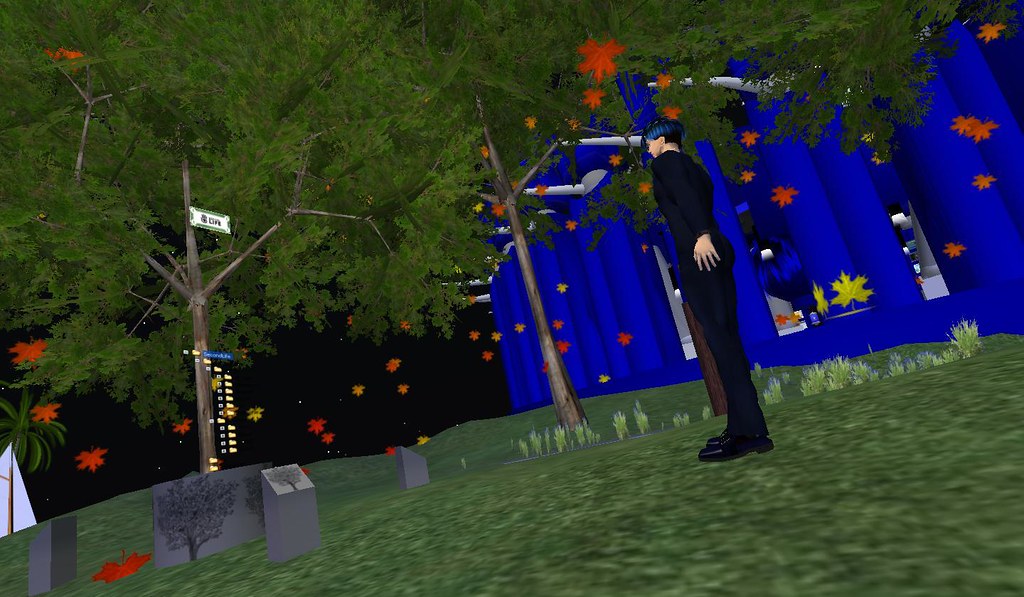 Where are the people?
January 22, 2008
Where are the people?
January 22, 2008
About
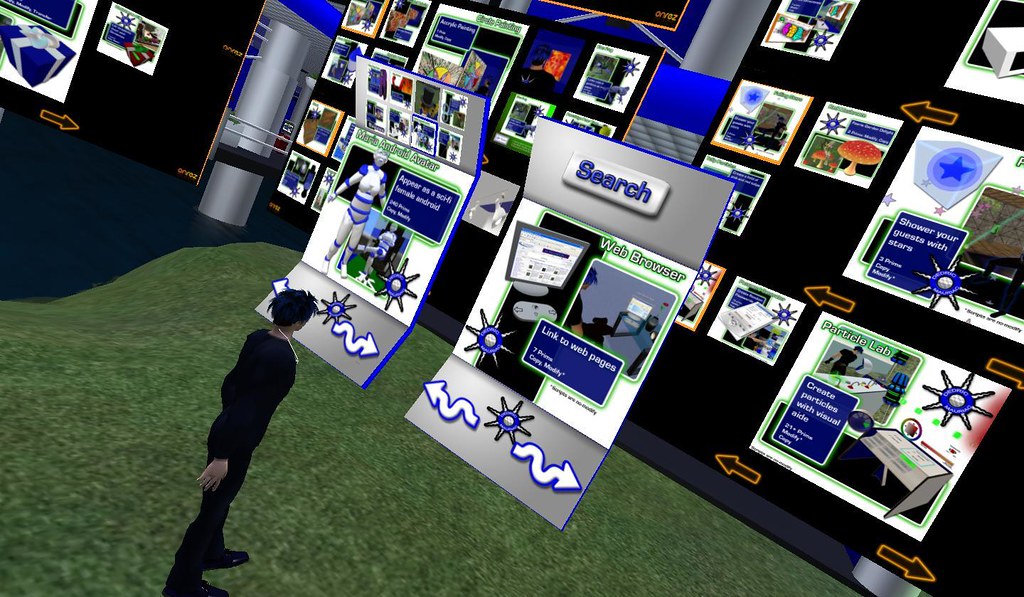
Back in August, I worked on Customizing searchable OnRez vendors. Since I had just received the 8 Panel vendors from on-rez, I decided to start customizing them to fit within my stores theme and display that nice color of blue and white that I love.
I found that it was pretty easy to use the existing textures from the last vendor that I customized. The free button now has its own prim, so the background of the base prim had me a little confused at first. It took me a while just to get the textures aligned for the free item button. I made the texture semi-transparent to make it easier to lineup with the texture under it.
The 8-panel vendor doesn't have a search button, but it does have 8 different pictures. I resized them to fit on the top panel. By the time I was done, I had the eight panel vendor looking similar to my customized searchable vendor. I'll be able to replace all of the searchable vendors with this one so that people can see that there are many different products available in each vendor.
The most beneficial thing from customizing the vendor is how small it is now. The standard ones are very large and take up a lot of room.
Posted by Second Life Resident Dedric Mauriac. Visit Woodbridge.